

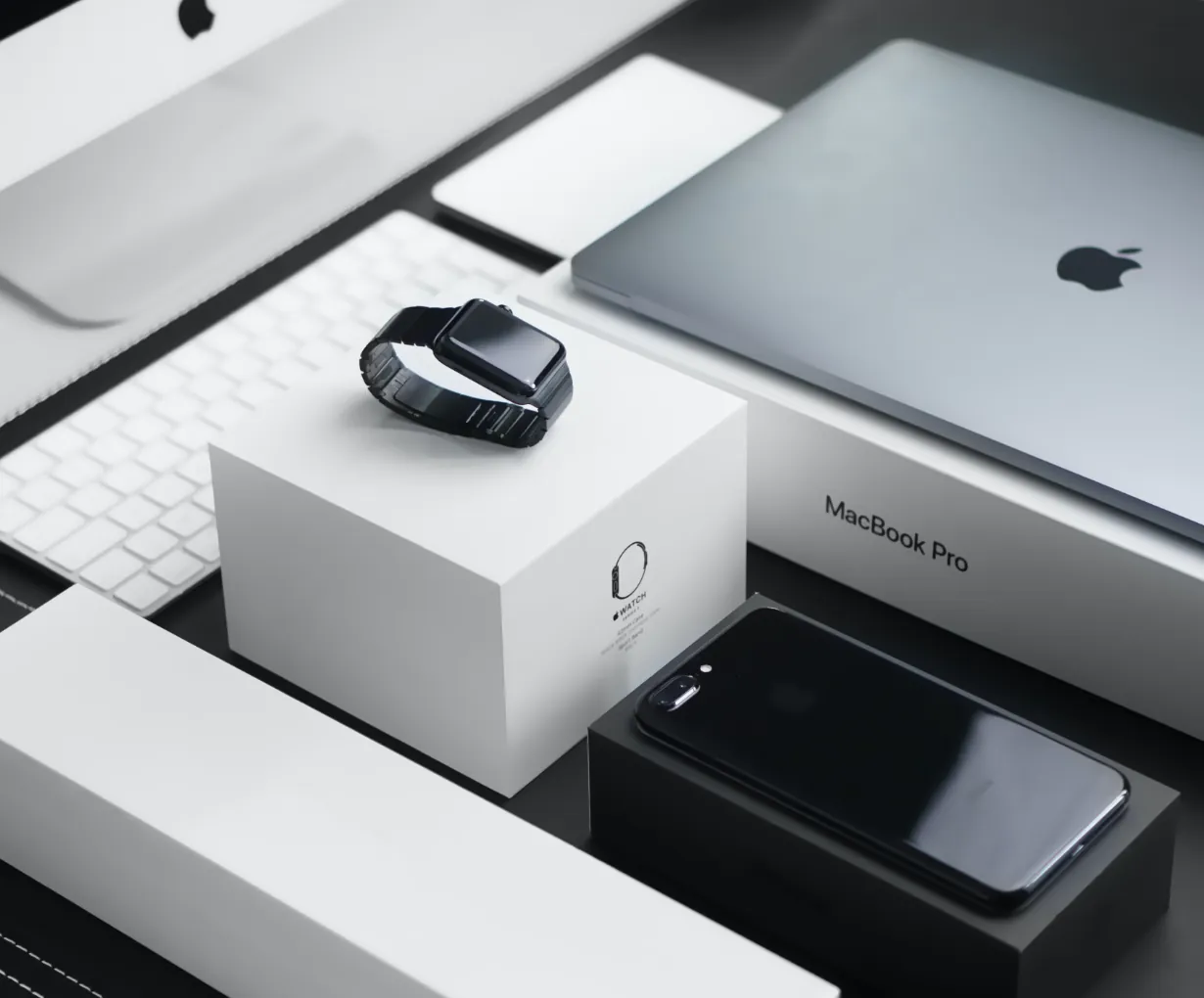

Buying a MacBook in Kampala in 2026 is a minefield of inflated prices, hidden battery problems and iCloud-locked machines. This guide distils two decades of experience at Majestic Plaza L5-07 into a clear plan: which model fits you, what fair prices look like in UGX, the exact inspection checklist, and the red flags that separate a good deal from a money pit.
Macbook Buying Guide Kampala: Step 1 – Pick the Right MacBook for Your Work
Choosing the right model saves more money than any negotiation, because the wrong Mac is an expensive mistake you will resell at a loss. If your day is browsing, Office, Zoom and light editing, an M1 or M2 MacBook Air is more than enough and the best value in Uganda. If you edit video, run code, or keep forty tabs and heavy apps open, the extra RAM and fan cooling of a MacBook Pro is worth it. Match the machine to the heaviest task you will do at least weekly – not the one-time dream project. Storage follows the same rule: 256GB suits most office and student users, while editors and creators want 512GB or more. RAM matters most on resale and longevity, so when in doubt, buy more RA
Macbook Buying Guide Kampala: Step 2 – Know Fair Prices in Kampala (2026, UGX)
ces in Kampala (2026, UGX)
| Model | Typical tested range (UGX) | Who it suits |
|---|---|---|
| Intel Air | 1.2M – 2.0M | Tightest budgets – browsing, documents |
| Air M1 | 2.2M – 3.2M | Best value – students, office |
| Air M2 / M3 | 3.0M – 5.5M | Newer design, longer support |
| Pro M1/M2 | 2.8M – 6M | Creators, pro workloads |
Ranges reflect tested units from reputable Kampala shops, not classified-ad specials. Prices move with the dollar.
Step 3 – The Inspection Checklist That Saves You
- Battery health on screen – Apple menu > About This Mac > System Report > Power. Above 85% is good; below 80% budget for replacement.
- Activation Lock – a locked Mac is unusable or stolen. Verify serial at checkcoverage.apple.com.
- Display test – full white and black screens; look for dead pixels, spots, backlight issues.
- Keyboard, trackpad, ports – press every key, drag across the trackpad, test both sides.
- Speakers and camera – play audio, make a test call.
- Warranty in writing – minimum 3 months from a shop with a fixed address.
Red Flags That Mean Walk Away
Some signs in Kampala should end the conversation immediately. If a seller refuses to power the Mac on, will not show System Report, has no fixed shop, demands a mobile-money deposit before you test, or quotes a price far below every other shop, treat it as a strong warning. Machines described as “UK used” with no history, “refurbished” with no inspection evidence, or “fully unlocked” with a phone-number-only contact are almost always hiding battery wear or a stolen-device lock. A legitimate specialist happily shows you everything on screen because they have nothing to hide – that transparency is exactly what you are buying.
Buying New vs Certified Pre-Owned
In Uganda the price gap between a sealed new MacBook and a certified pre-owned one is large – often 30-40% – and for that money you rarely get more real performance, since the silicon is identical. Certified pre-owned wins for most buyers when the battery is healthy, the display is original and the warranty is written. Buy new only if you insist on the absolute newest generation and the maximum macOS lifespan for a 6+ year plan, or if corporate procurement needs an official invoice. Buy from a shop that inspects rather than a stall that sells – the accountability is the difference between a good machine and a loss.
Why Buy From a Repair Specialist
You are reading this on a guide written at a Mac repair workshop, and that is deliberate. We have opened, cleaned and repaired these machines daily since 2004 – which means we spot liquid-damage marks, non-original panels and worn batteries most resellers never see. Every unit we sell is 21-point inspected, priced in UGX against the market, and sold with a 3-month written warranty from a fixed William Street address. Bring an old laptop and trade it in; leave with a tested Mac and change in your pocket. The model works because our name rides on every machine we let out the door.
Why Kampala Trusts MicroStar Andy
We are Mac specialists at Majestic Plaza L5-07, William Street, Kampala – fixing and selling Macs since 2004. Every repair follows a 21-point inspection, uses genuine parts, and carries a 3-month warranty. No fix, no fee diagnosis. Every laptop we sell is tested with battery health shown on screen before you pay.
Frequently Asked Questions
What is the best MacBook to buy in Kampala in 2026?
For most people the MacBook Air M1 remains the best value – everything from browsing to light editing runs smoothly for UGX 2.2M-3.2M. Creators and heavy multitaskers should step up to a Pro with more RAM.
How do I check if a used MacBook is stolen?
Run the serial number at checkcoverage.apple.com and confirm the seller can disable any activation lock with you, on the spot, before payment. Locked units are unusable.
Can I negotiate MacBook prices in Kampala?
A little, mainly on cosmetic-grade units or slightly worn stock. Extremely low quotes usually hide faults rather than represent genuine bargains.
Is it better to buy new or used MacBooks in Uganda?
For most budgets, certified pre-owned is smarter – 30-40% less for the same silicon when battery and screen are healthy and warranty is in writing. New suits those who must have the latest generation.
See what is on the shelf right now: current Mac listings at MicroStar Andy – or reserve on WhatsApp and we hold it for you.
Written by the MicroStar Andy team – Mac repair and sales specialists serving Kampala since 2004. Prices mentioned are typical Kampala market ranges and change with stock and exchange rates.